Build on GovDash.
A REST API and webhooks for your opportunities, contracts, agencies, companies, and people. Connect your systems and agents to the same data your team runs on.





From first key to production,in an afternoon.
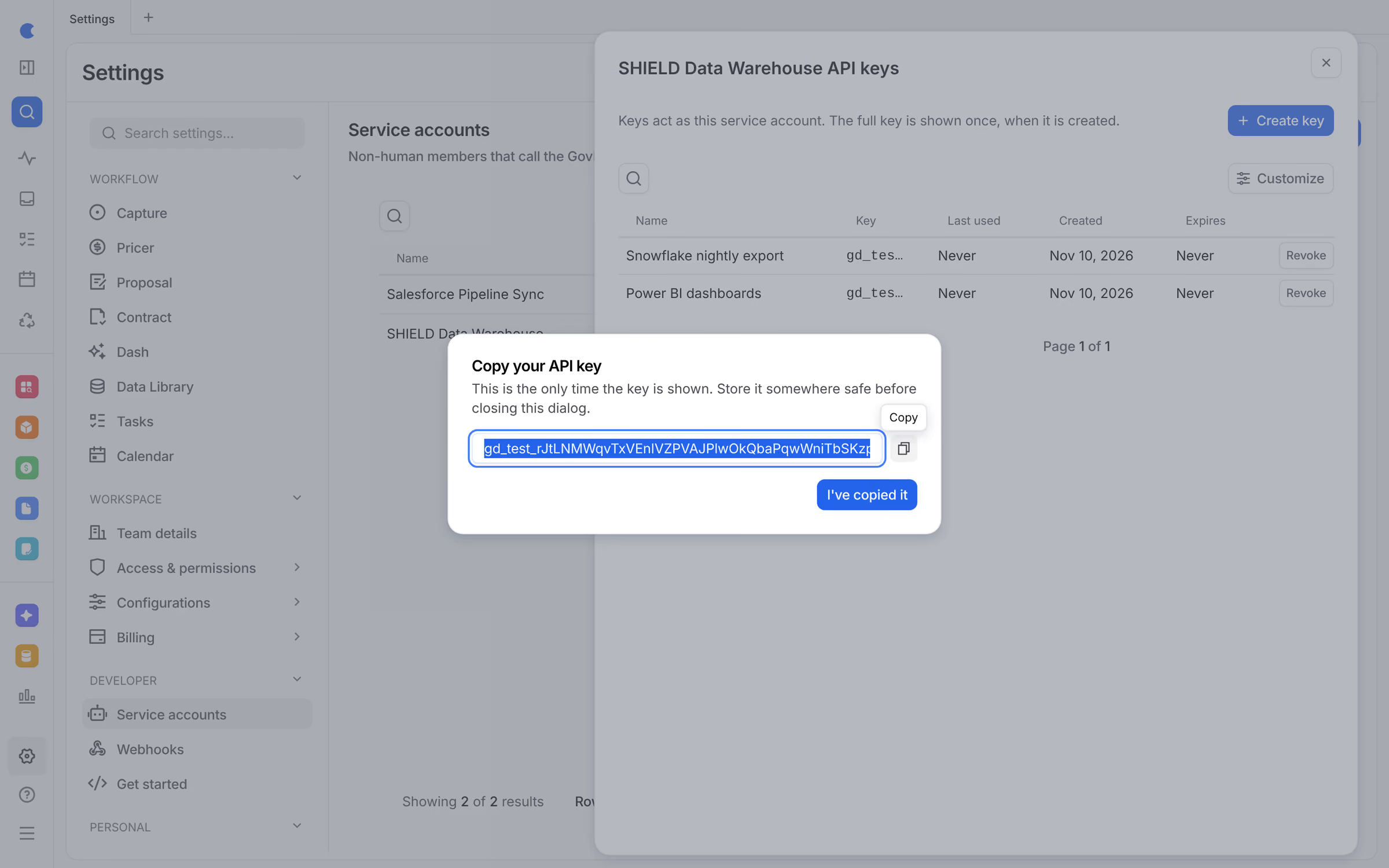
Keys with exactly the access they need.
Each integration runs as a service account with its own role. Create a key, choose when it expires, and revoke it the moment you need to.
- Service accounts with a team role
- Test and live keys, shown once
- Expiry, last used, and one-click revoke
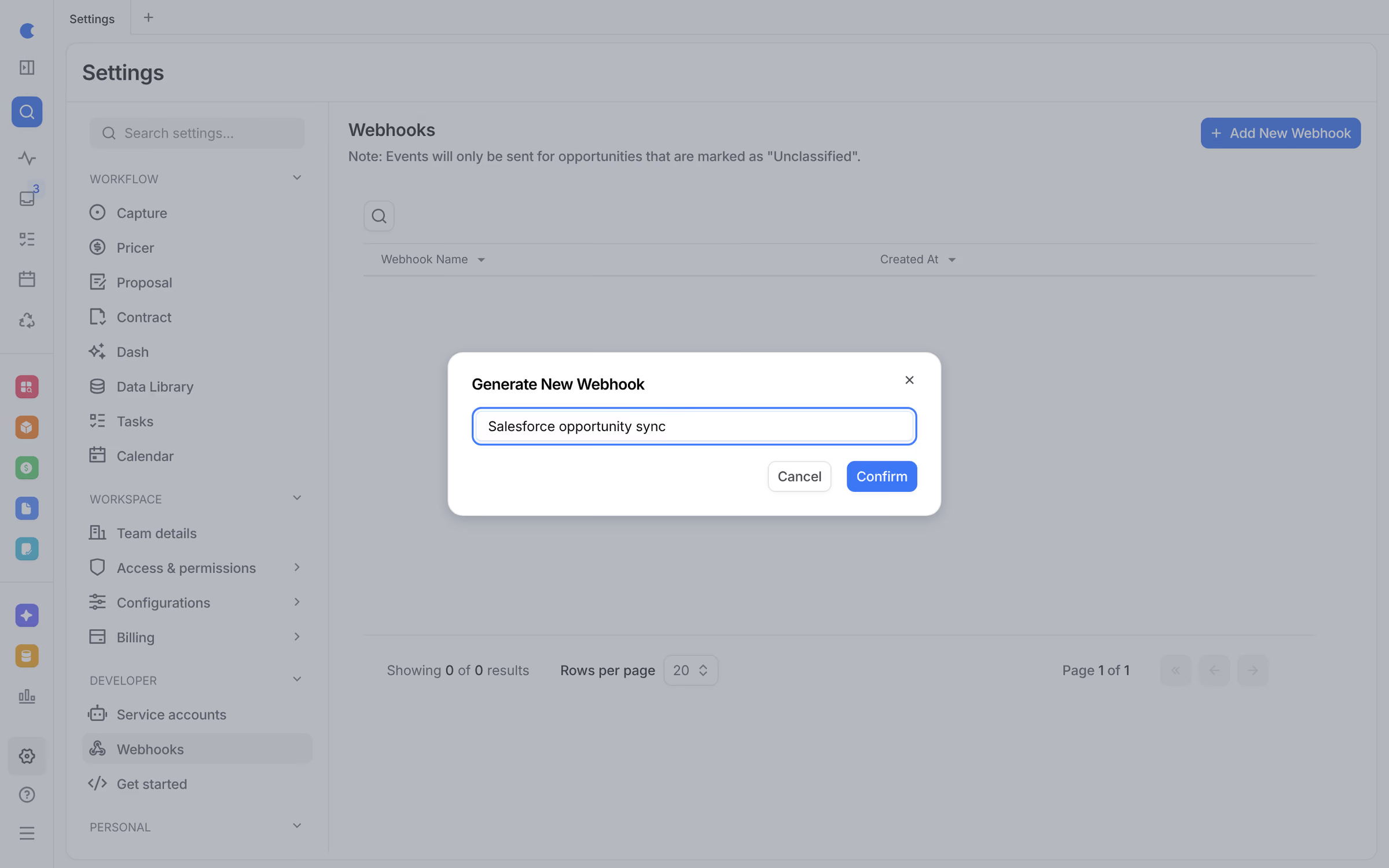
Webhooks instead of polling.
Get an event the moment an opportunity is created, updated, or deleted, and keep your CRM, data warehouse, or agents in step.
- opportunity.create, update, and delete events
- Backfill create events for existing opportunities
- Only Unclassified opportunities are sent
Built for production,and for CUI.
- Read and writeList, get, create, update, and delete opportunities, contracts, companies, and agencies. List, create, and update people.
- Your fields and phasesThe meta endpoints return your capture phases and custom fields, so integrations match how your team works.
- Incremental syncLists sort by last update and take an updated_since filter, so you only fetch what changed.
- Rate limitsLimits per key and per team, with a cap on request size.
- Request logEvery call is recorded, and keys are scrubbed from logs.
- OpenAPI referenceAn interactive API reference for admins, inside GovDash settings.
One platformunder every module.
Frequently asked questions
Read and write opportunities, contracts, agencies, companies, and people, and read your capture phases and custom fields. Use it to sync GovDash with your other systems or to give your own agents access to GovDash data.
Create an API key for a service account and send it as a bearer token. Keys come in separate test and live versions, and each key acts with its service account’s role.
Yes. Webhooks fire when an opportunity is created, updated, or deleted, so other systems stay in sync without polling.
Every request is authenticated with a service-account key, limited per key and per team, capped in size, and recorded in a request log. Keys are scrubbed from logs, and a key only sees its own team’s records.
Yes. Admins get a Get started guide and an interactive OpenAPI reference inside GovDash, under Settings.
Admins create a service account and an API key under Settings. Your GovDash team can help you plan the integration.
Plan your integration with an expert.
Spend 30 minutes with a GovDash engineer and map the API to the systems you already run.