Bring the right people into the right pursuit
Give teammates access to specific contracts, opportunities, and personnel records, and share Dash chats. Bring the right people into each pursuit with access that matches their work.
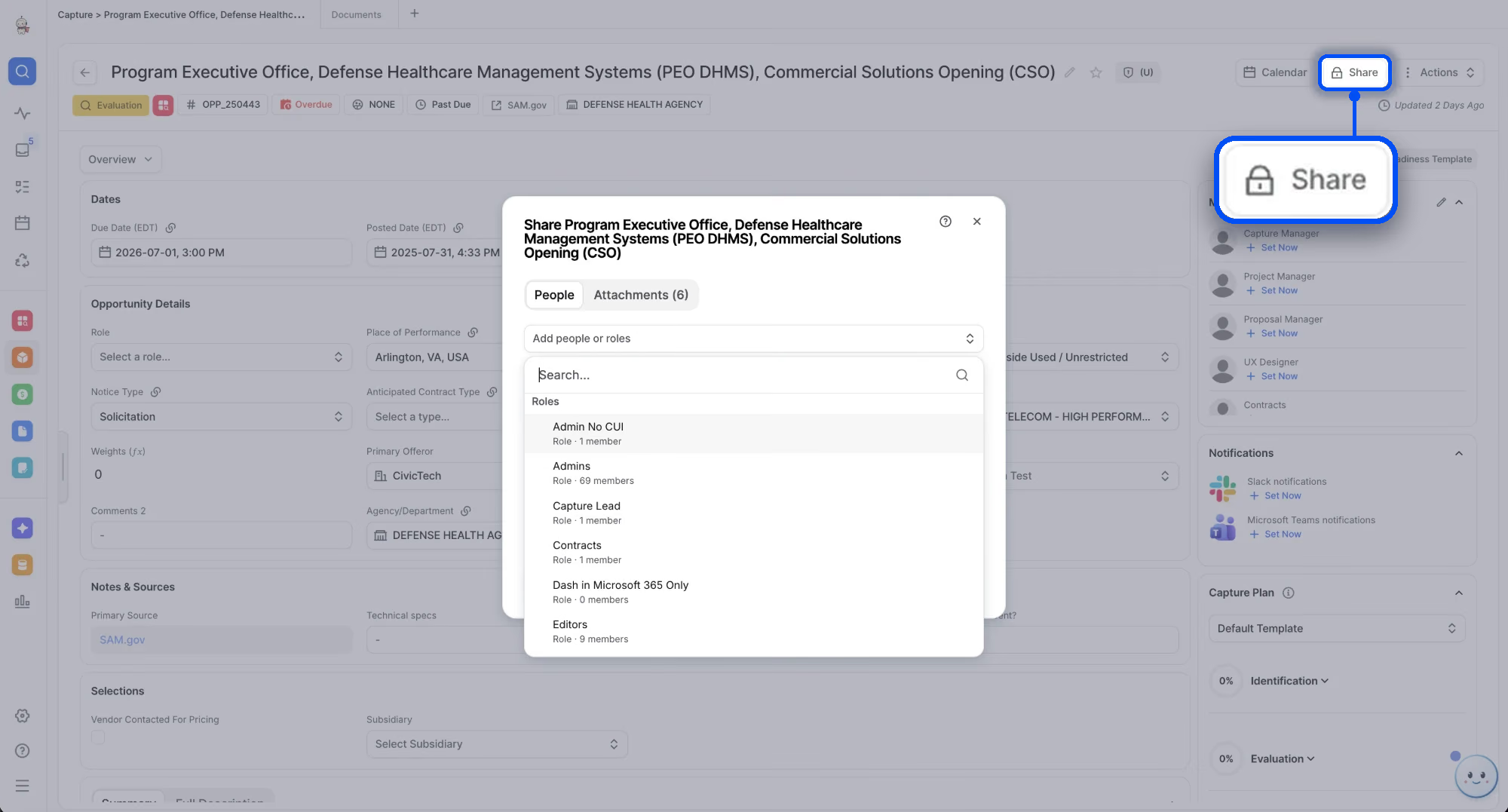





Access at the record level
Grant permissions on the specific record a collaborator needs, instead of a role that opens an entire product area.
Share the record, not the product area.
When a subject matter expert joins one pursuit or a specialist supports one contract, add them to that record. Least privilege holds as more people work together in GovDash.
- Individual contracts, opportunities, and personnel records
- Add specific people or whole roles
- Resource owners and product area admins stay in control
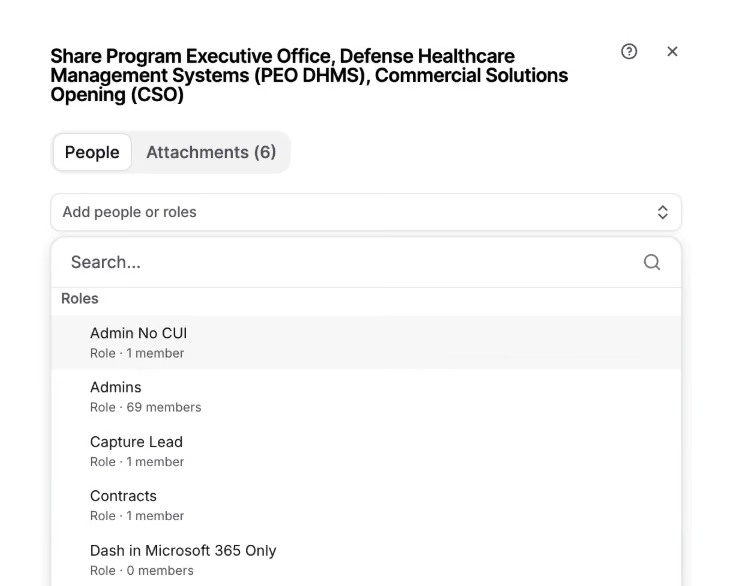
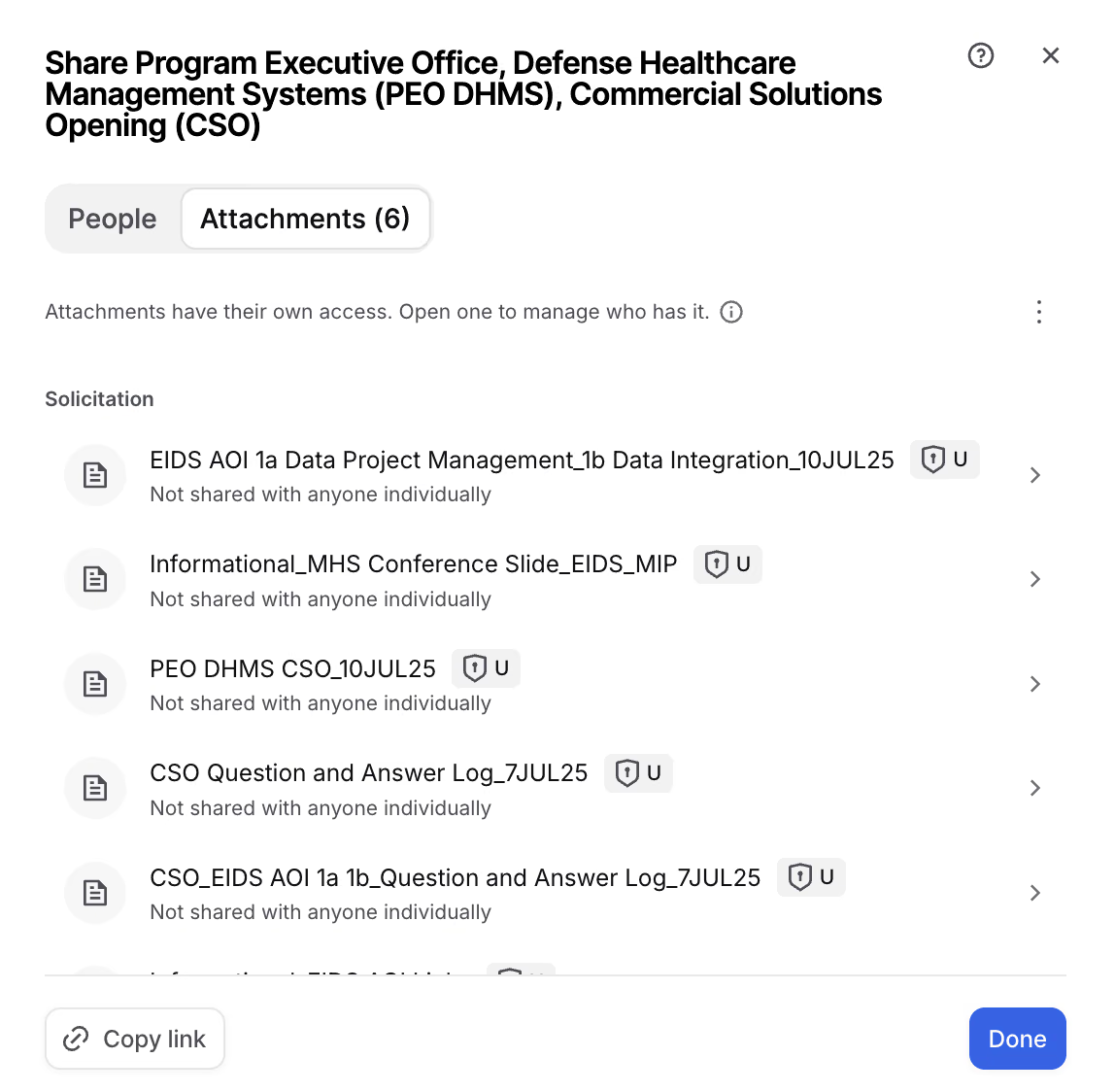
Built to work with your roles.
Roles still cover responsibilities that span a product area. Sharing adds access to individual records on top, and never removes access a role already grants.
- Role-based permissions for product-area work
- Sharing for individual assignments
- Attachments keep their own access
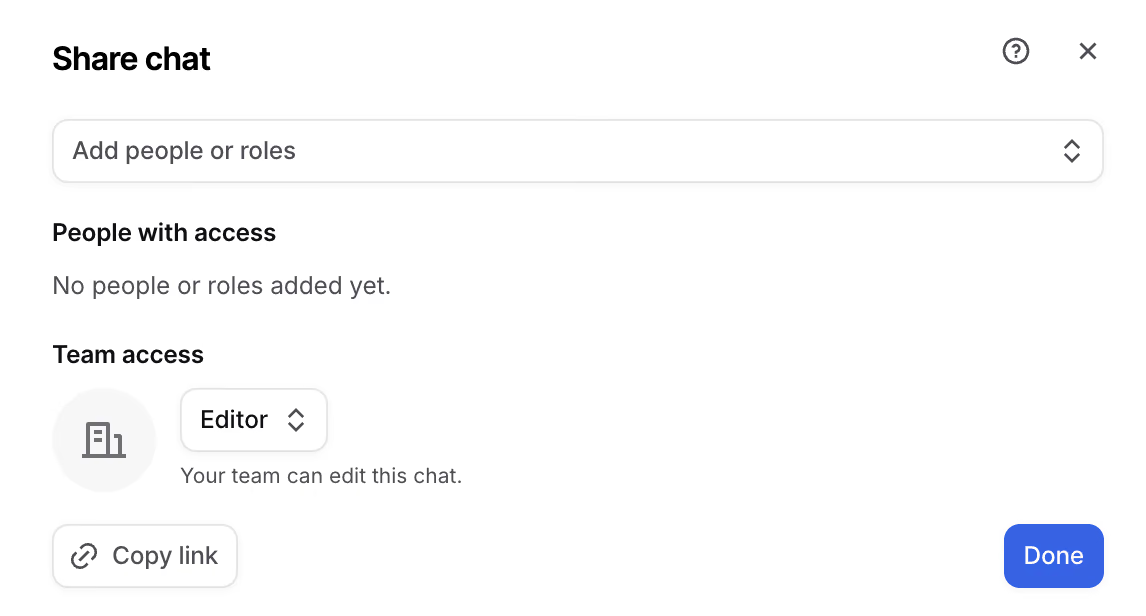
AI that respects the same boundaries.
Dash and agent runs are scoped to the permissions of the person running them. An agent working for a specialist with read access to one contract can use that contract, but can't edit it or reach another restricted contract.
- Dash works within each user's access
- Share Dash chats with people, roles, or your team
- Choose who can view and who can edit
See Sharing in action
Take the interactive tour to see how Sharing works inside GovDash, unlike any other AI platform on the market.
The right expertise. The right access. Every pursuit.
Collaborate across pursuits and programs with permissions aligned to each person's responsibilities.
Enterprise and security leaders
More precise control over sensitive contracting information as teams, programs, and collaboration grow.
Team and product area admins
Provision access around responsibilities and specific assignments, alongside your existing roles.
Capture managers and contracts teams
Bring the right collaborators into an individual pursuit or contract.
Subject matter experts
Get the records your assignment needs without broad product-area access.
Personnel record owners
Grant access to a specific personnel record for an authorized update.
Teams working with Dash
Resource permissions define what Dash and agents can access and do on each user's behalf.
Frequently asked questions
Sharing gives resource owners and product area admins control over access to individual contracts, opportunities, and personnel records. Instead of granting broad access to a product area for a single assignment, you grant permissions on the specific record a collaborator needs.
Role-based permissions cover responsibilities across a product area. Sharing adds access to individual records. The two are additive: Sharing never removes access someone already has through a role.
Individual contracts, opportunities, and personnel records. You can share with specific people or with roles, and attachments on a record keep their own access.
Yes. Dash and agent runs are scoped to the permissions of the person running them, so AI can only use the information and take the actions that person is allowed to.
Sharing is included in the Growth and Enterprise plans. View pricing.
No. Sharing supports access governance and least privilege. It works alongside GovDash's broader security program rather than serving as a standalone certification. Explore security.
See Sharing built around your workflows.
Get a walkthrough of Sharing with a GovDash expert, set up around the way your team works.